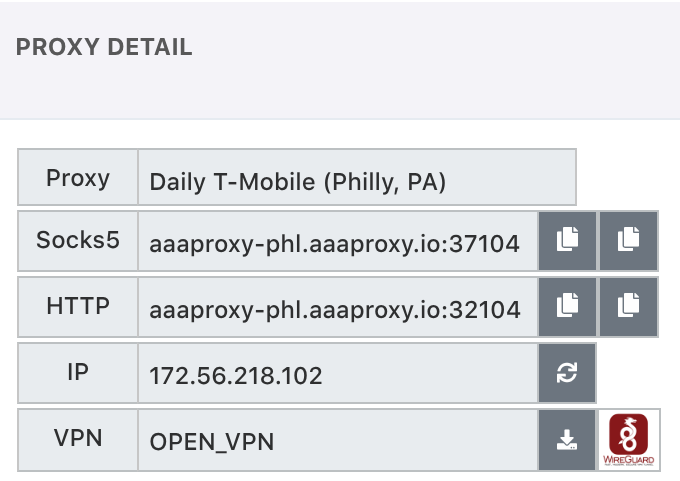
My Proxy Page – User Guide
The My Proxy page allows you to manage all of your active proxies with complete control over settings, authentication, location, and more.
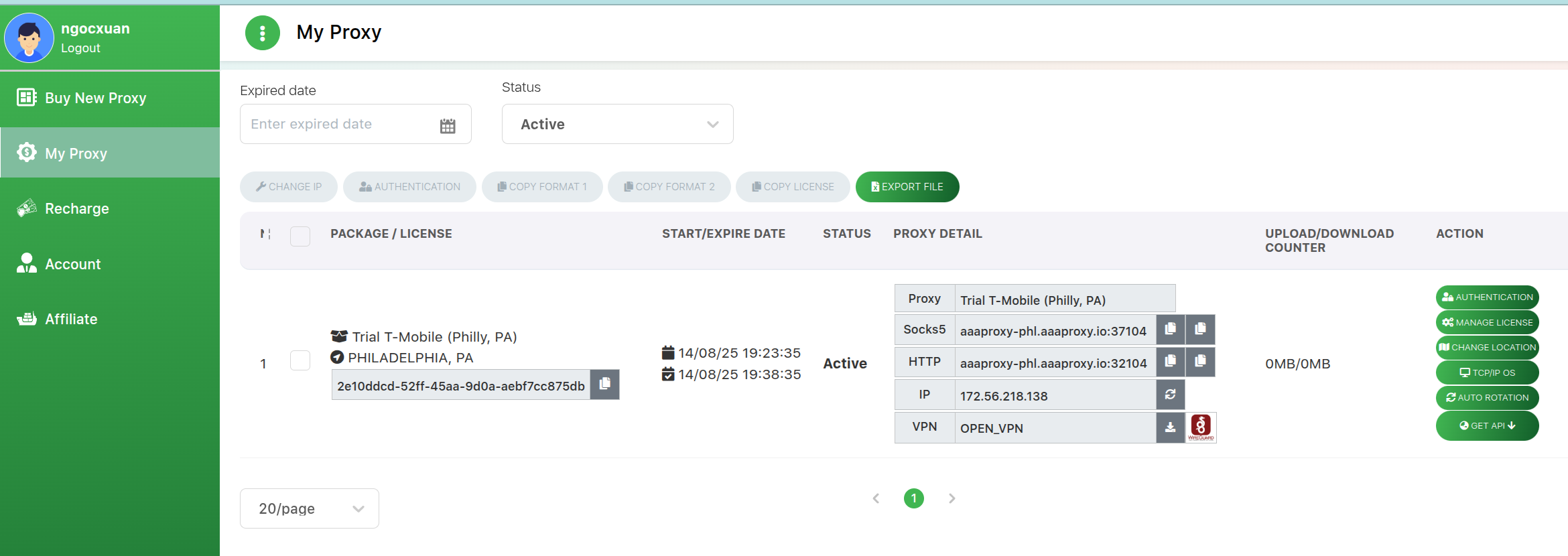
Action Buttons for Each Proxy
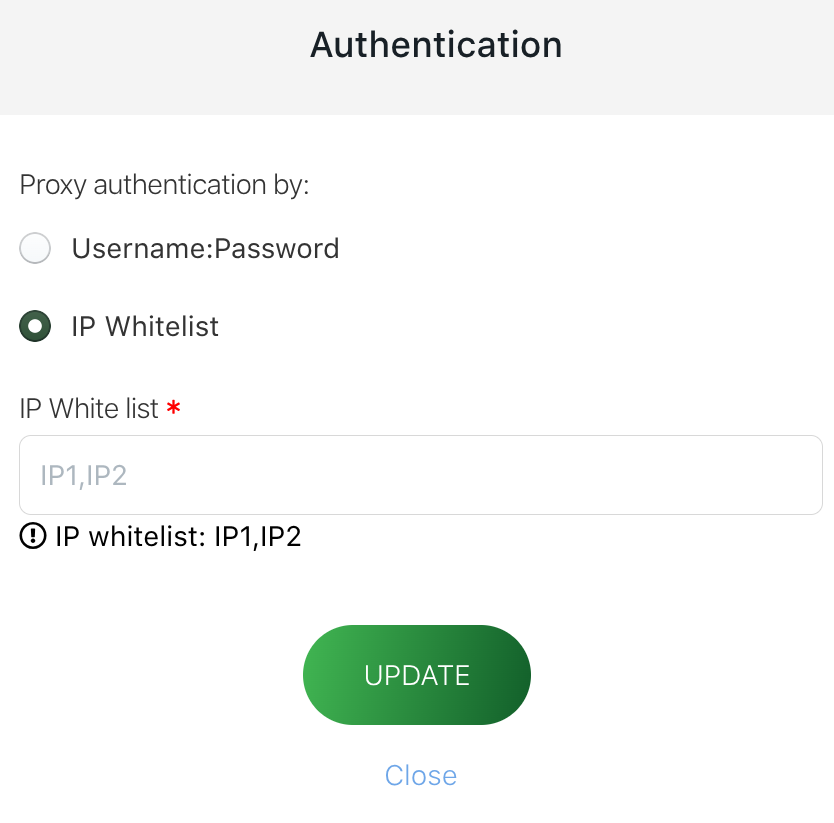
1. Authentication
Choose one of two authentication methods:
Username:Password – Standard login credentials.
IP Whitelist – Enter a list of client device IP addresses you allow to access your proxy. Only these IPs can connect.
Recommendation: Use IP Whitelist for the highest security and to prevent proxy leaks.
2. Manage License
Express Extend – Instantly extend your proxy’s duration using the same current plan.
-
Auto-Renew On/Off – Enable to let the system automatically renew your proxy using your current balance. You will receive:
Email notification for successful or failed renewals.
Reminder email if your balance is insufficient, so you can top up and avoid service interruption.
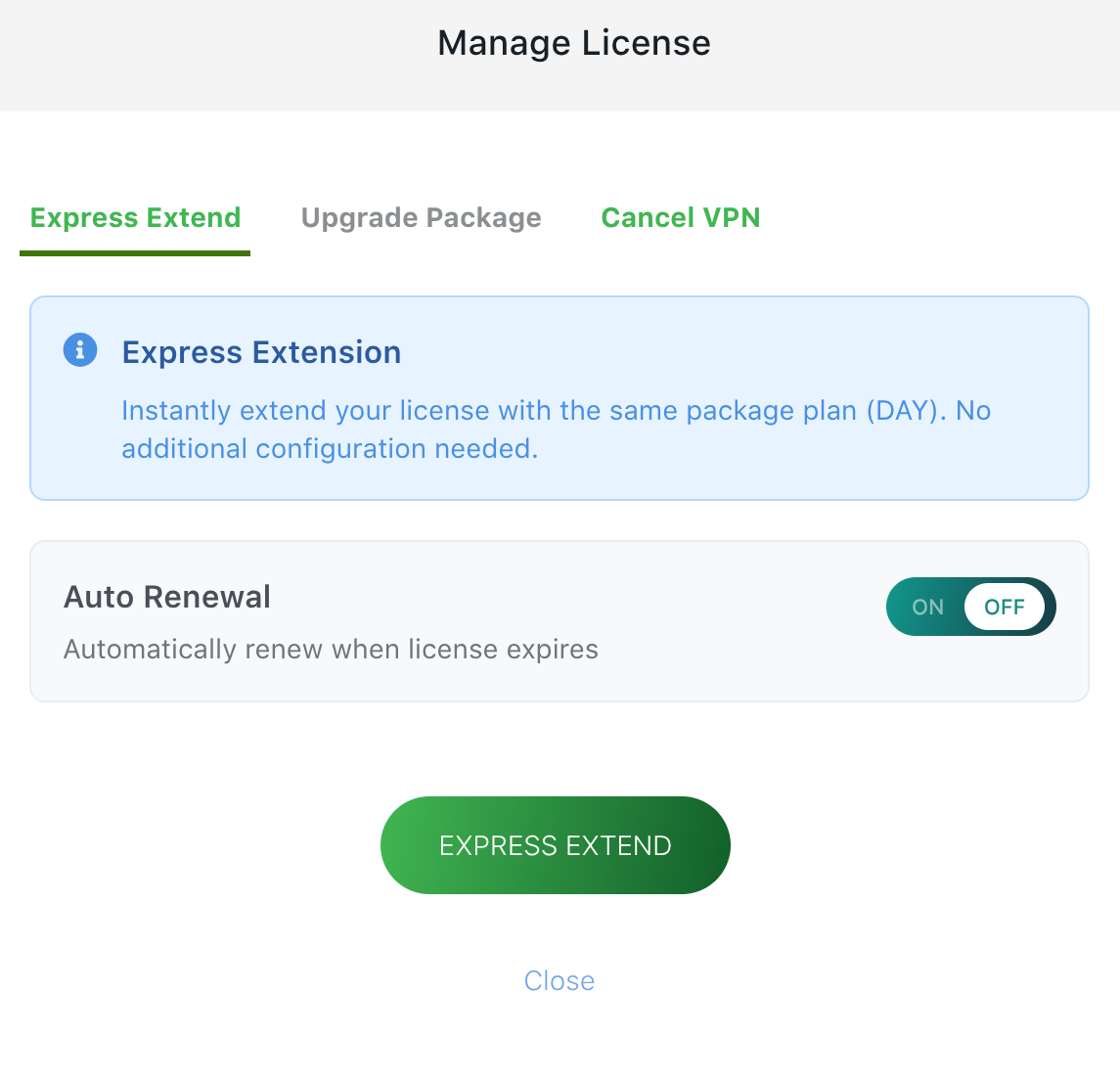
Upgrade Package – Increase your plan duration without downtime. The system will add your remaining license duration to the new package.
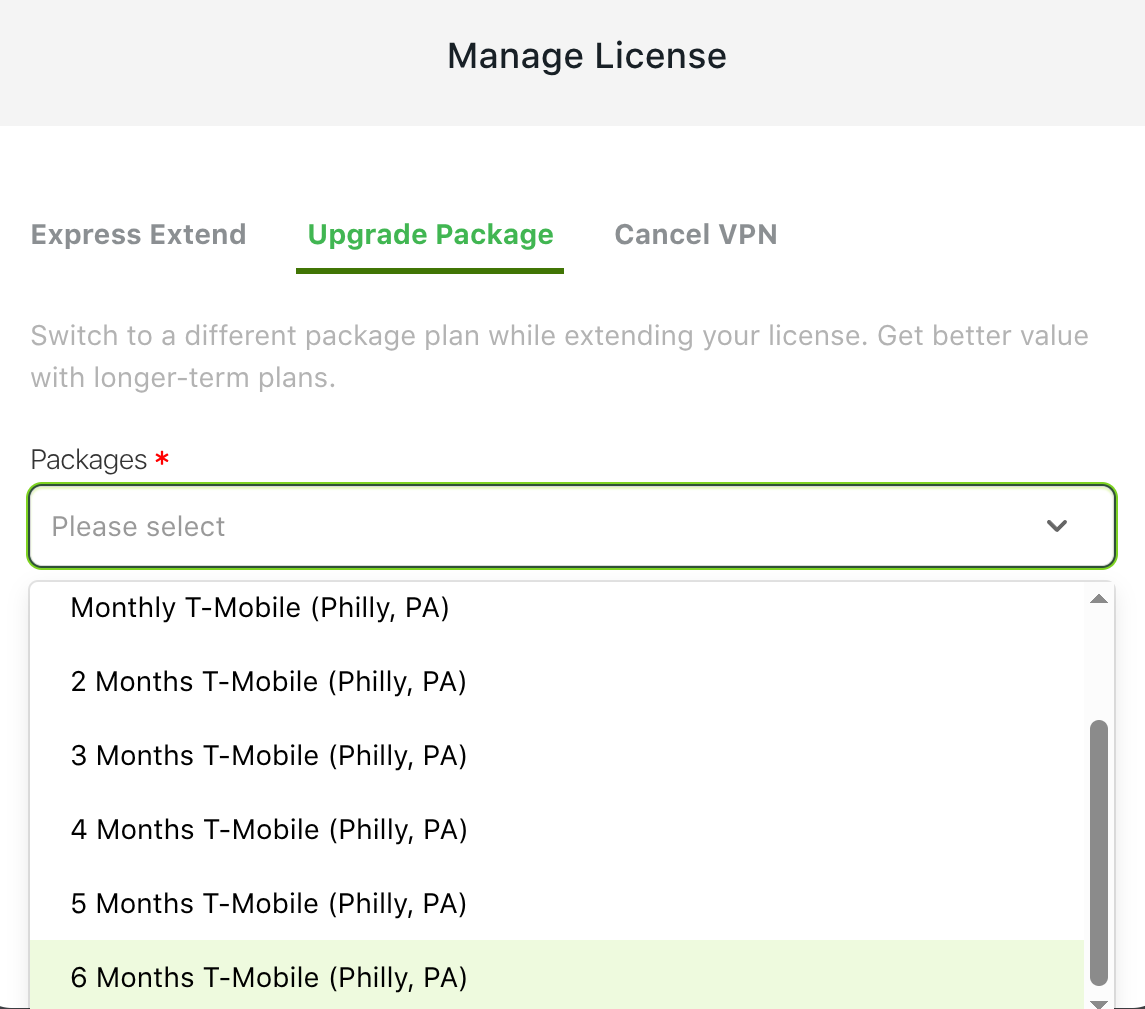
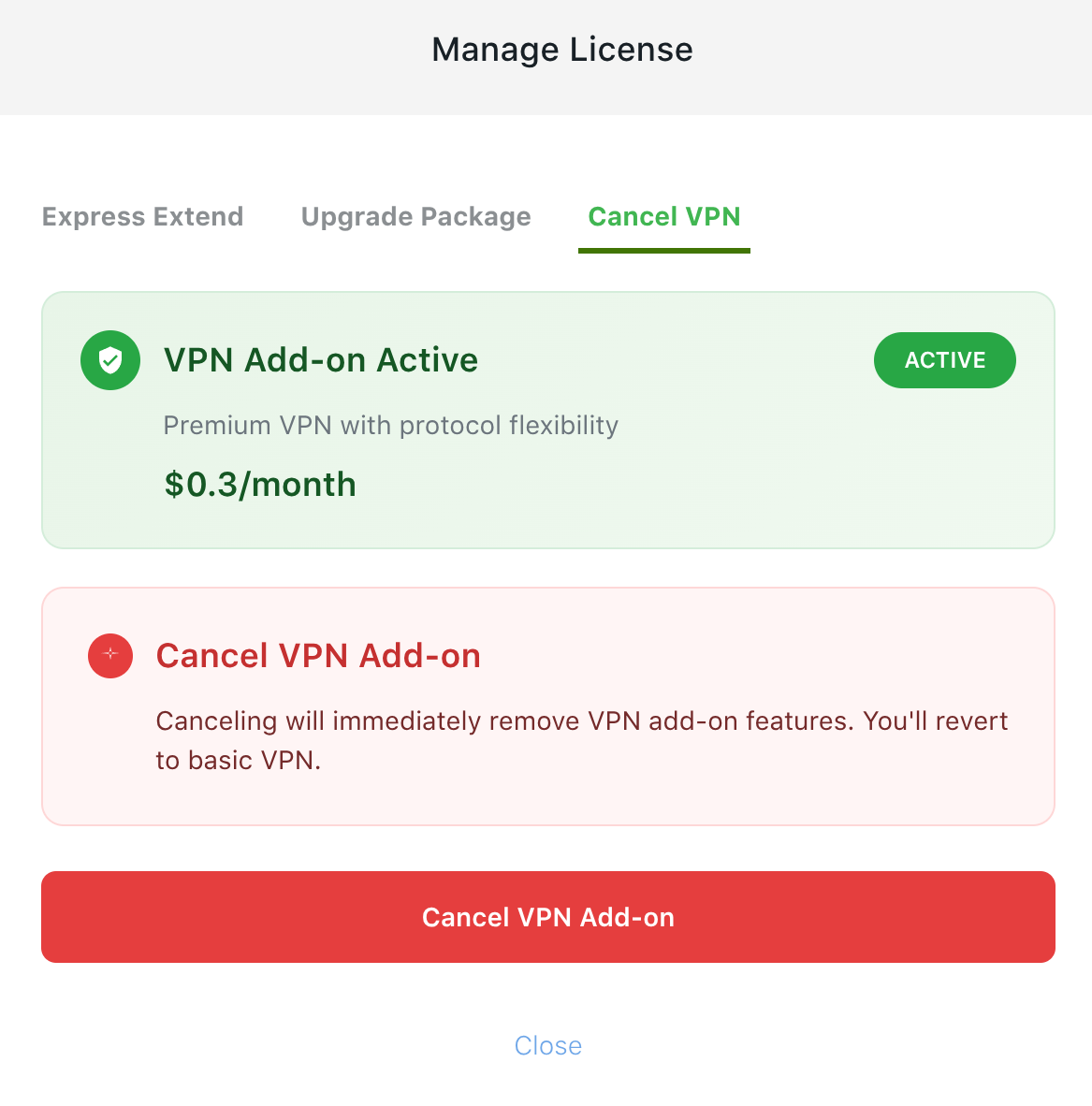
VPN Add/Remove – Purchase or cancel VPN service at any time during your proxy usage.
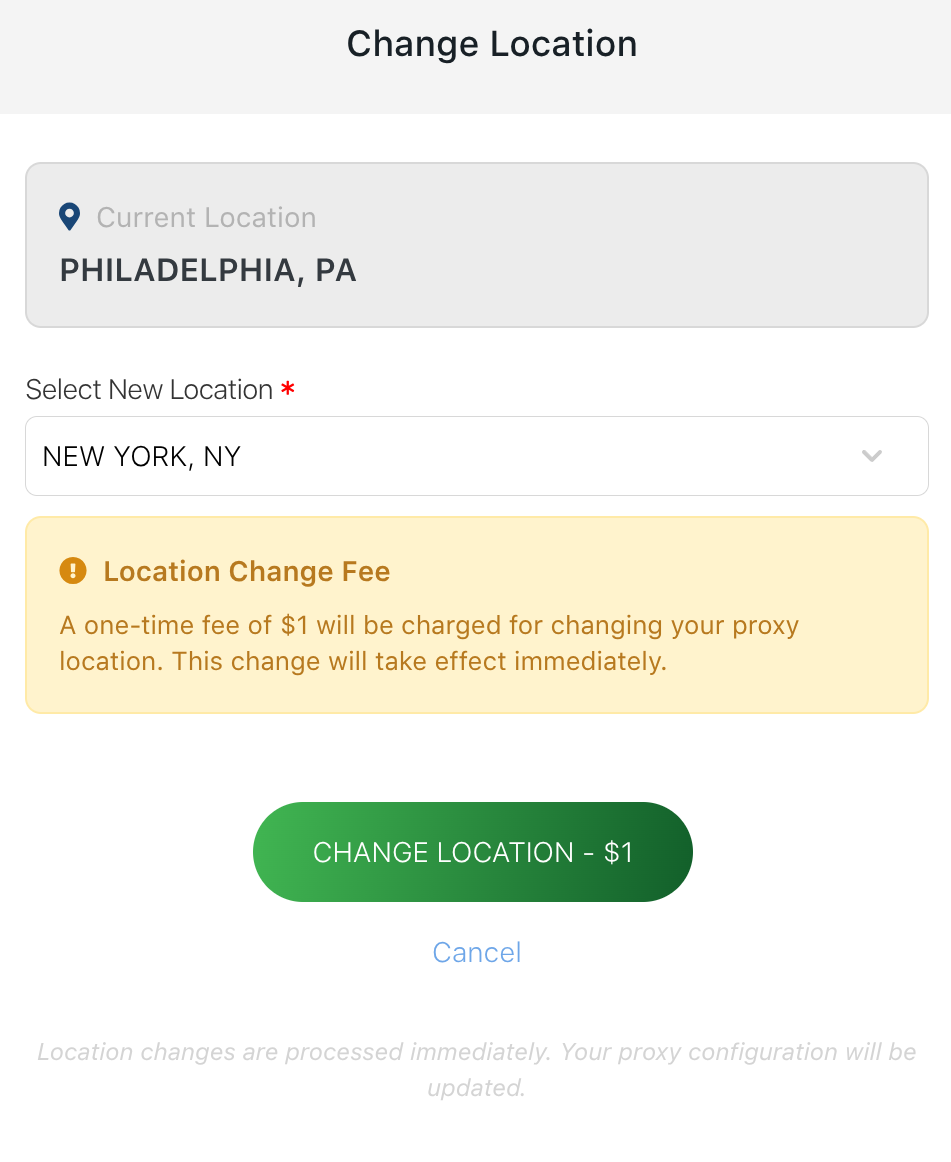
3. Change Location
Switch your proxy’s location anytime without service interruption.
4. TCP/IP OS Profile
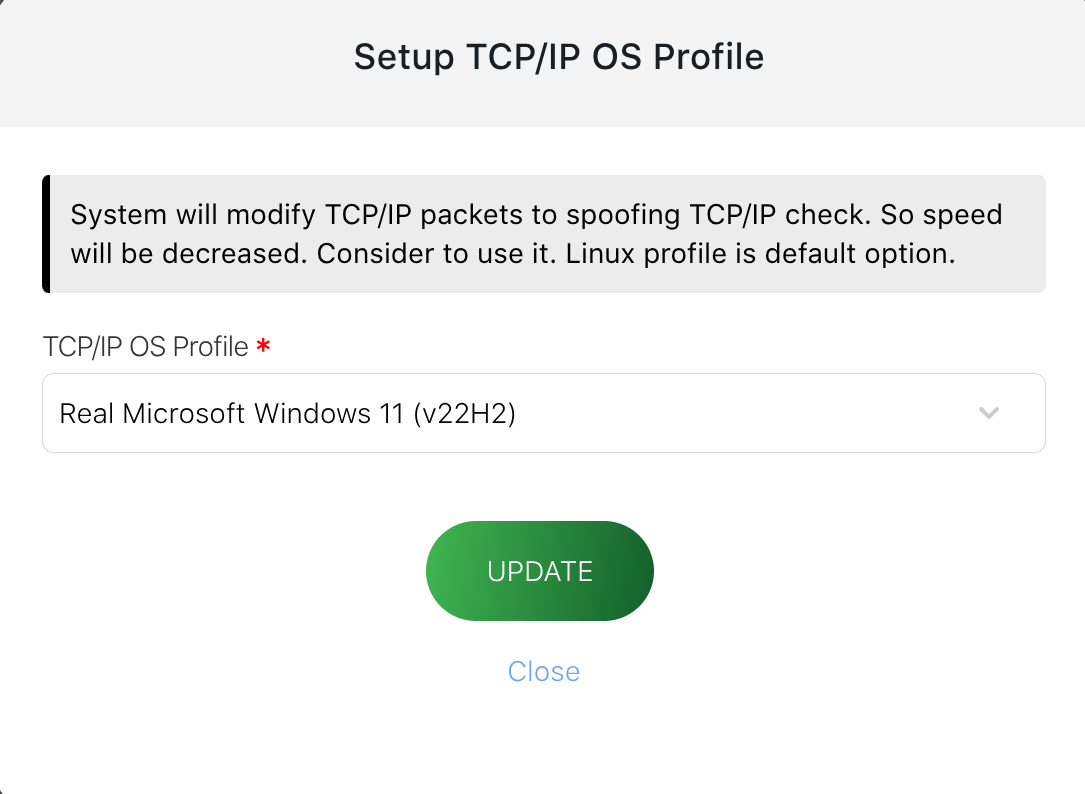
Change your proxy’s TCP/IP OS profile to spoof operating system fingerprints.
Note: This modifies TCP/IP packets and may reduce speed. Use only if required. Default: Linux.
Available Profiles:
Linux (default)
Real Microsoft Windows 11 (v22H2)
Real Microsoft Windows 10 (v21H2)
Real Microsoft Windows 7 (v6.1)
Real MacBook Pro (macOS v15/v14/v13)
Real iPad Air Gen 4 (iOS v18)
Real iPhone 15 (iOS v17.7.1)
Real iPhone 13 (iOS v15.1.1)
Real Galaxy S24 (Android v14.0)
Real Android (common device)
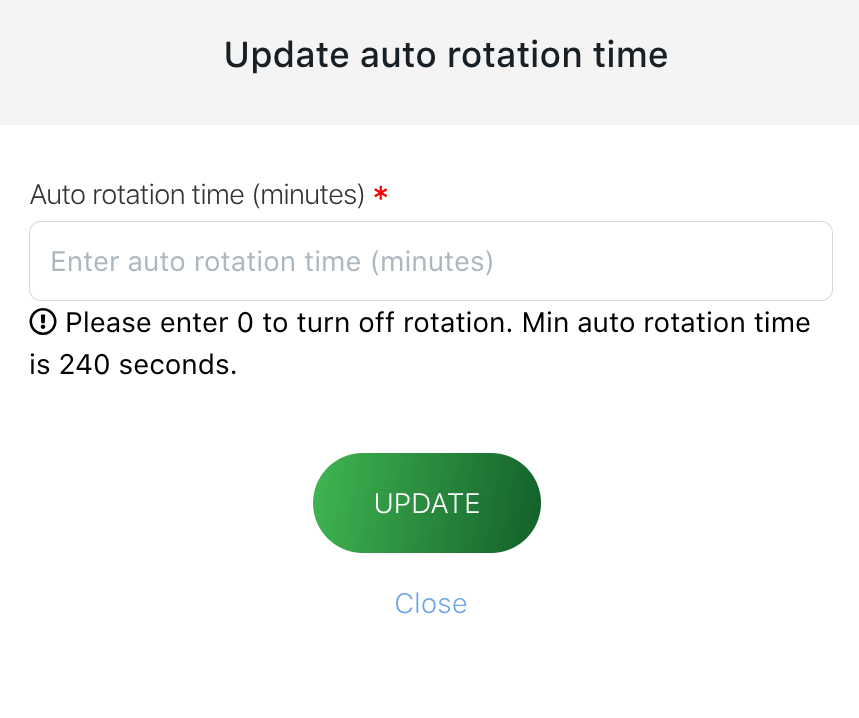
5. Auto Rotation
Schedule automatic IP changes at fixed intervals. The system will send commands to your SIM to reset and acquire a new carrier IP.
6. Get API
Retrieve API endpoints to control your proxy programmatically. Available API calls:
Change IP
Check Proxy Status
Set Auto Rotation
Quick Action Icons for Each Proxy
Copy Proxy Details – Instantly copy SOCKS5 or HTTP proxy in
IP:port:user:passoruser:pass@IP:portformat.Change IP – Immediately request a new IP.
Download VPN File – Get your VPN configuration file.
Switch VPN Type – Toggle between WireGuard and OpenVPN.